

Written by Taylor Blanchard
Sometimes I feel as if I’ve made every possible mistake in film photography, and no matter how long I’ve been shooting, the mistakes keep coming.
We’ve published articles about 5 film photography mistakes to avoid and 10 common film photography mistakes, but there is always more ground to cover in this area. Some of these are admittedly not user mistakes, but errors you may encounter.
Shooting Issues
1. Shooting Film at the Wrong ISO
On cameras where you set the ISO manually, it’s easy to forget to change the ISO – especially with a newer-to-you-camera. When I first was using my father-in-law’s Canon AE-1, I forgot to change the ISO from 400 to 100 with Kodak Ektar loaded. I realized during the roll and decided to push the film to 400.
How to Fix It:
In general, film is forgiving for a stop or two of exposure, depending on the film. If you don’t realize the error, you will most likely get decent results. Even if you do realize the error, you can probably develop normally, although it’s better if the roll was overexposed (for example, a 400 speed film shot at 100) than underexposed.
If you realize it while shooting the roll, or after it’s shot, you can push or pull the film when developing it to compensate. Remember that pushing or pulling film doesn’t change the sensitivity of the film: you are compensating during development and will not get the same results as standard development.

2. Forgetting What Film is in Your Camera
When I’ve been shooting multiple cameras, or if I’ve gone long periods between shooting, I can lose track of what film is loaded. For cameras that don’t have a film window, I may wonder, “Did I load that with HP5 or Kodak Gold?”
How to Fix It:
An easy solution is to use your phone’s notes app or an online document. Every time you load a camera, enter the camera and film stock, and an identifying detail such as date or location. You don’t have to track every frame – simply the first or last (or both).
Recently, I’ve started adding film stocks into a spreadsheet with tabs by film format and type (35mm and 120, black and white or color). It took time to build the spreadsheet because I logged everything stored in my fridge, but now it’s easy to use and update. I have a column for where I shot it, and one if I developed myself or sent it to a lab.
You can also send yourself a text message or an email every time you load film – whatever you can reference later.
Another idea is to use your camera’s film box slot or tape a piece of the film box to your camera.
3. Uncertainty If a Roll was Shot
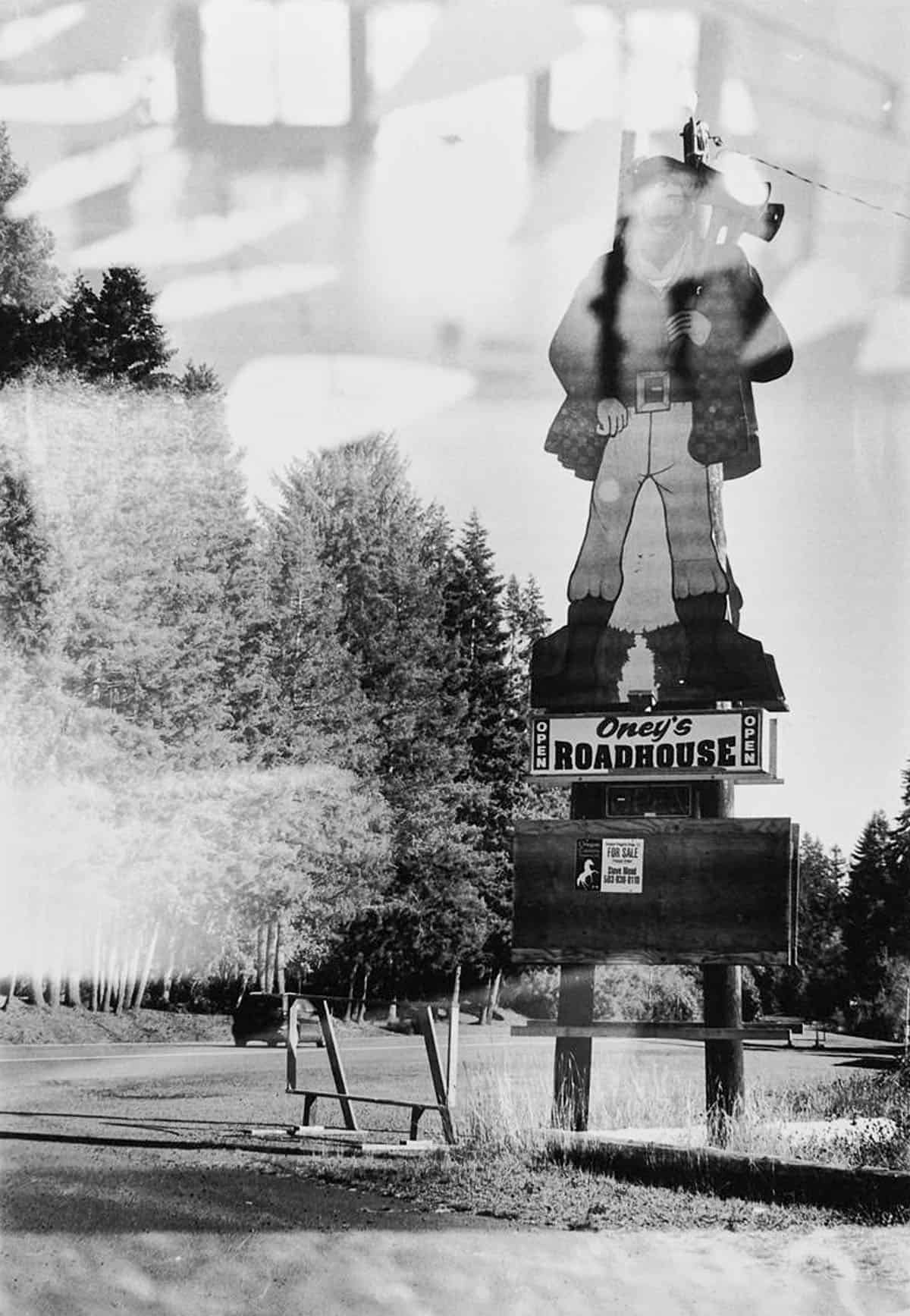
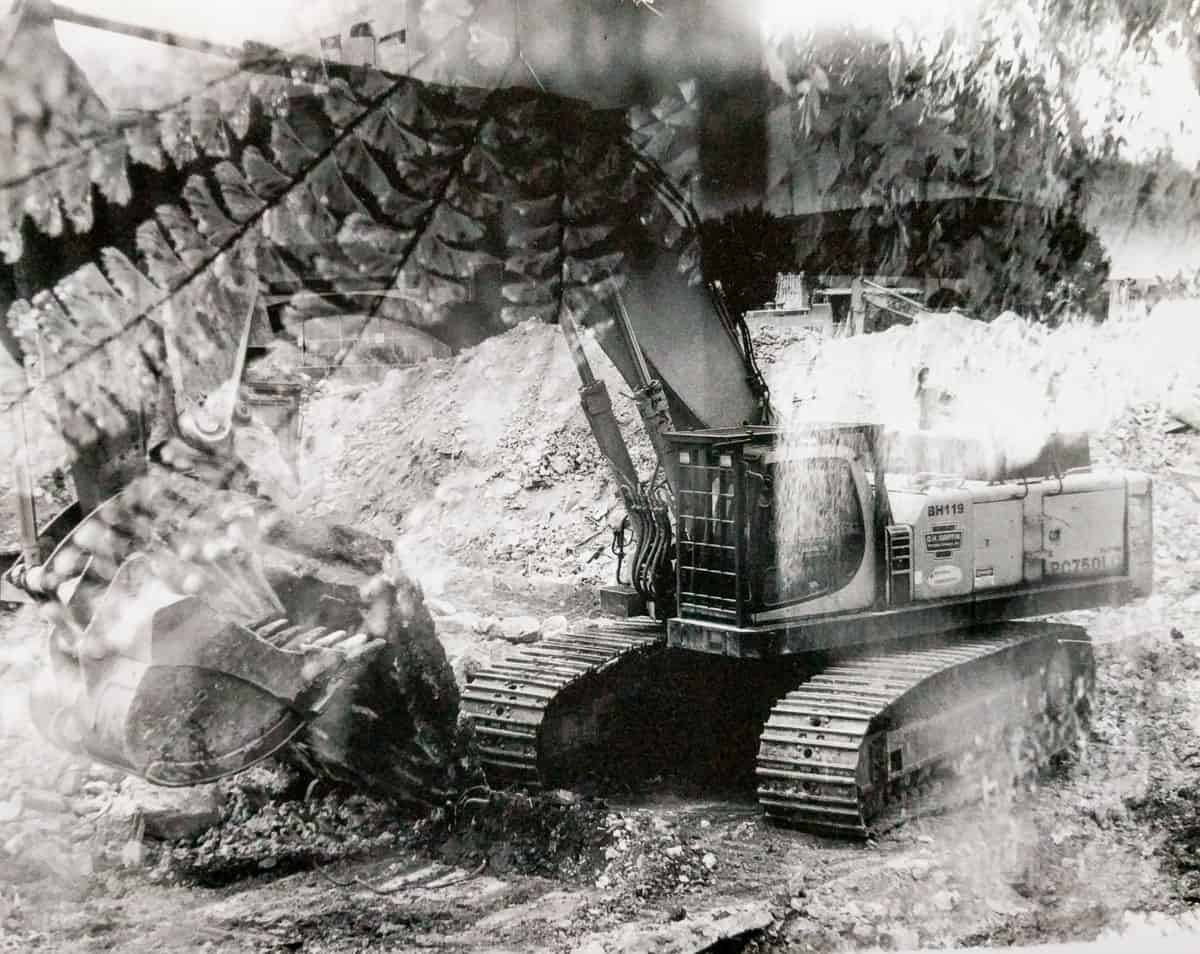
Maybe this has happened to you: you grab a roll of 35mm film and the leader isn’t out; you swore you hadn’t shot it. Or, you send off a roll to the lab and it comes back blank. Or, maybe like me, once you shot a roll of your vacation in Oregon, got confused, and shot the film again in San Francisco. This is very different than purposeful double exposures.
How to Fix It:
Develop a system that works for you to identify or label rolls that you’ve shot. Use small sticker dots, washi tape, or a sharpie to write on the film.
4. Uncertainty If Film Was Loaded Correctly
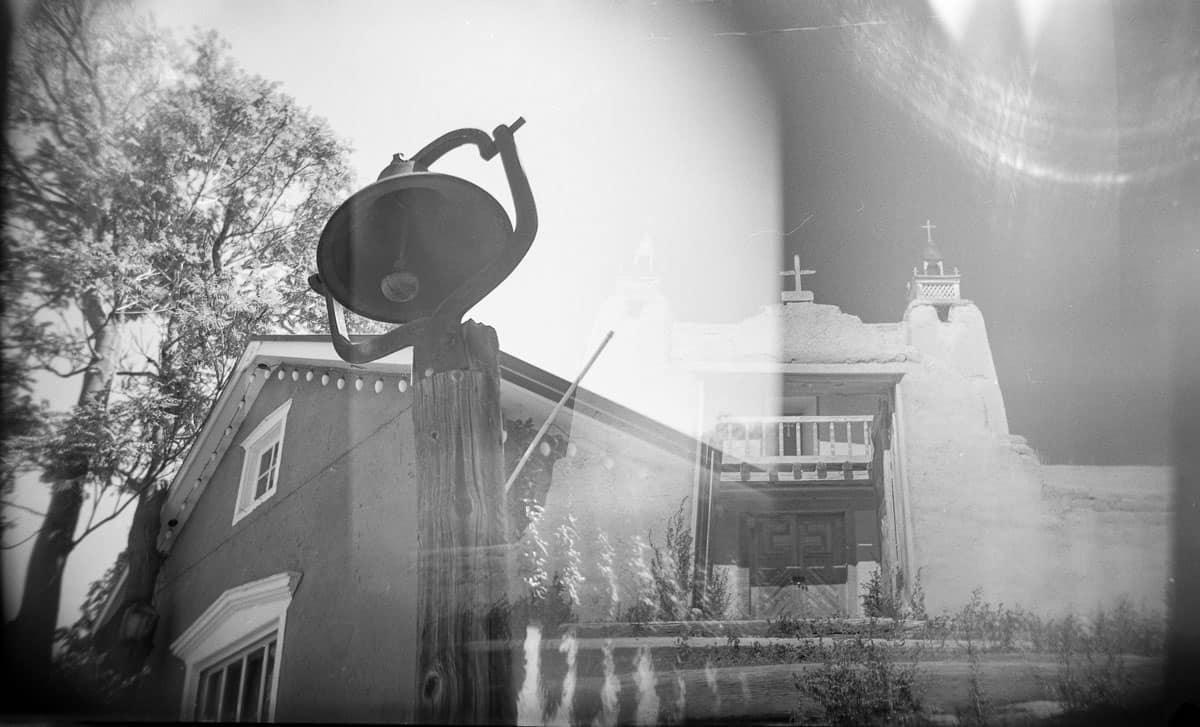
Similar to the above examples, I’ve also had scenarios where I shot a roll of film and then start to second guess if the film was loaded correctly. It’s one of my worst fears: taking an entire roll of film and then finding out that the film never advanced.
How to Fix It:
With most 35mm film cameras, you can watch the advance knob move when you forward a photo. When loading film, make sure you see the knob moving.
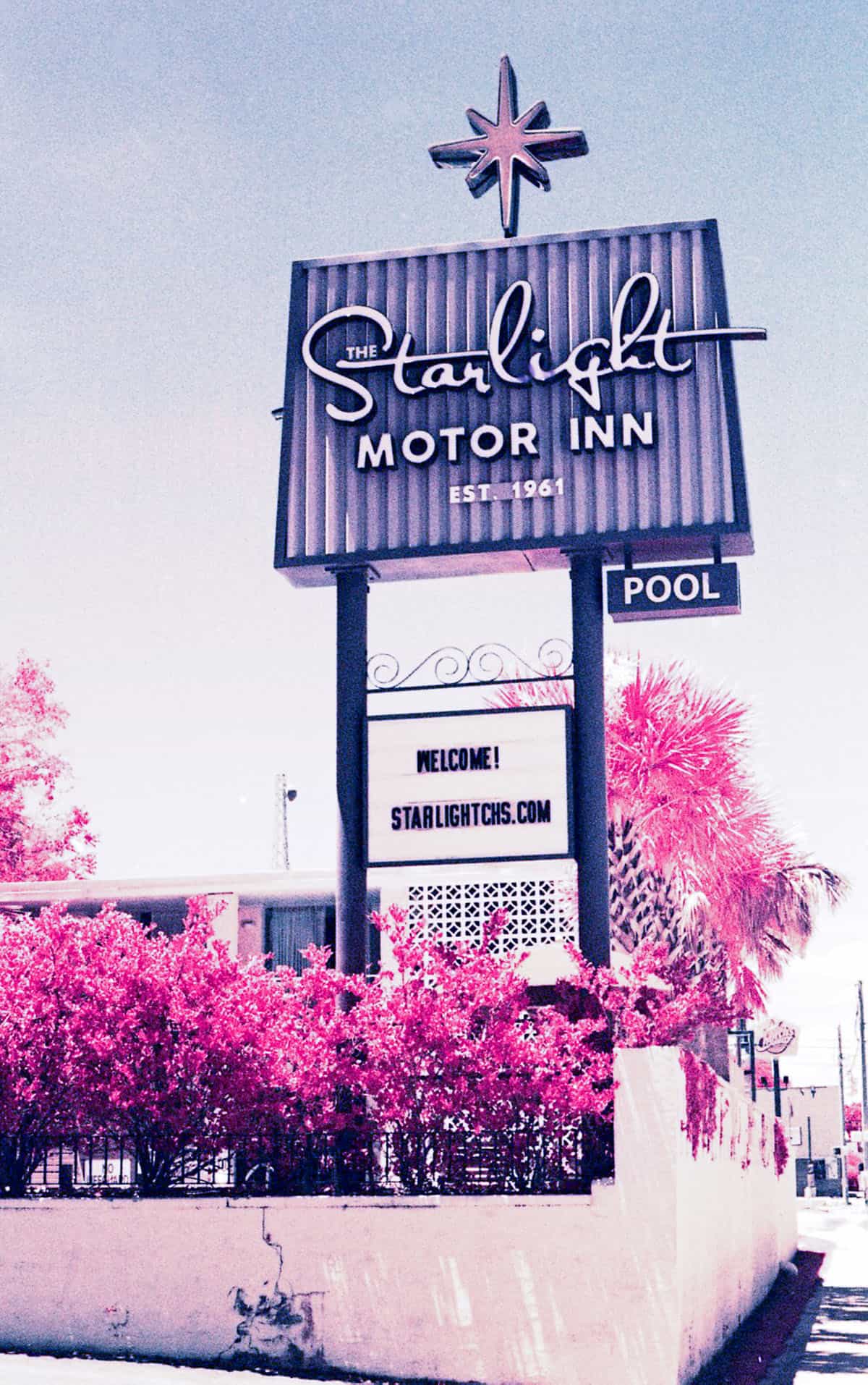
If the roll is precious and you develop film yourself, you can snip part of the film and develop it to discern if the roll was shot or not. Based on the results, you will either develop or shoot the rest. I did this once with Kodak Aerochrome II, which has a very thin base and is difficult to load. Given the cost and limited availability of this film, I would rather have lost a shot than the entire roll.
5. Opening Up the Camera With Film In It
If your camera doesn’t have a film window and you haven’t shot film in a while, it’s easy to forget if film is loaded. A few months ago, I opened the back of our Olympus Stylus Epic because I was sure it was empty!
How to Fix It:
Anytime you open the back of the camera, do it in low light. This will avoid major light leaks or losing multiple frames.
Better yet, if you’re not positive if there is film in the camera, use a changing bag when you open the back of the camera and feel for it.

6. Forgetting to Adjust Camera Settings
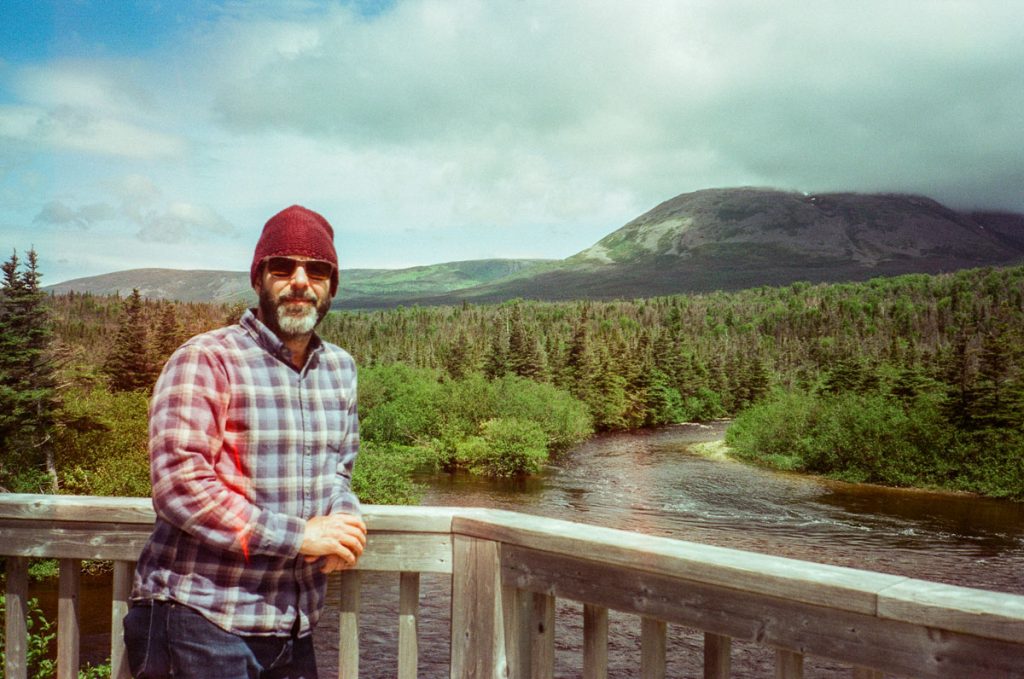
Several cameras are notorious for having knobs that shift on their own, such as the Pentax 17. Or, there are cameras like a Holga with a hidden Bulb versus Normal switch. After too many photos with the camera strap in frame with the Reto Ultra Wide and Slim, I finally learned to always pay attention to the position of the strap.
How to Fix It:
Write a note and adhere it to the camera: anything that is short and easy to read, such as “remove lens cap” or “adjust dials.” I’ve seen a Holga shooter do this because many Holgas have a Bulb switch on the bottom that is easy to miss and often moves.


7. Fat Rolls with 120 Film
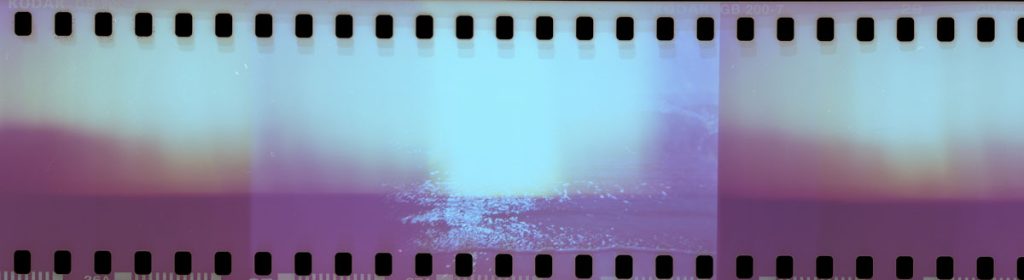
The backing paper on 120 film is notoriously finicky, and in certain cameras, and with certain film stocks (I’m looking at you, Lomography), you’ll get a “fat roll” – where the take up spool did not tightly wind the film. This means light is leaking onto the edges. I experience this phenomenon often with my Zero Image 69 and Holgas.
How to Fix It:
Always unload your film in low light. If you see that the roll is fat, immediately wrap it in something to protect it from more light damage.
If you develop yourself, keep the roll wrapped up until it’s time to develop. If you don’t develop yourself, or it’s not practical to keep it wrapped up, unspool the film and re-roll it in a dark room or a changing bag. Make sure your hands are clean. Sometimes you don’t have to unspool it entirely, you can pull and tighten it.
I’ve tried many techniques to wind the film tightly on the take-up spool, such as taping the paper to the take-up spool, which can help.


8. Humidity Damage / Other Issues with 120 Backing Paper
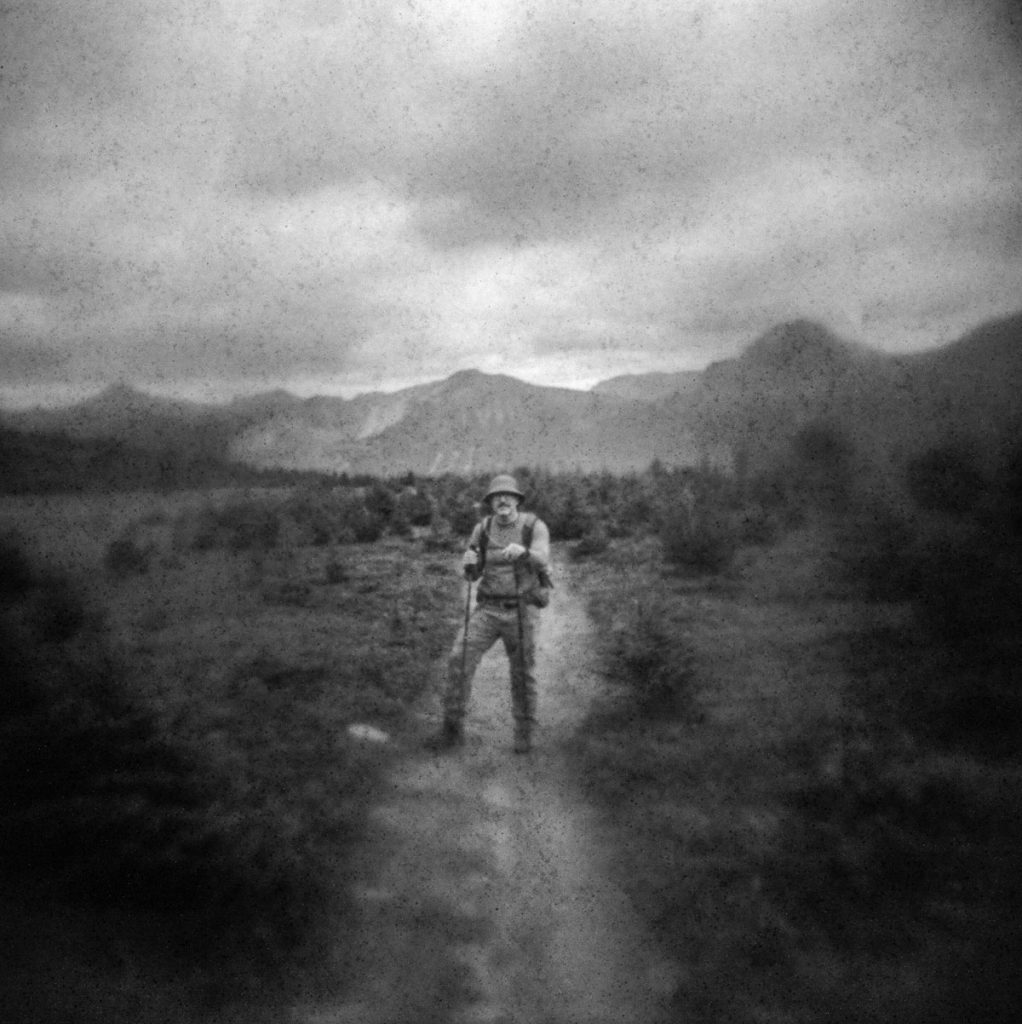
Medium format film sits in a glorious, sweet spot for me: it’s not as involved as large format, and it can have more of the ease of 35mm. The negatives are lovely for enlarging in the darkroom and avoiding the grain and fuzziness you can get with 35mm. Yet the backing paper on 120 film can react with humid environments, creating spots or even backing paper marks bleeding through.
How to Fix It:
Keep 120 film cold stored until you plan to use it and bring it to room temperature before using.
After it’s finished, either keep it in cold storage or place it in a bag with a desiccant pack to manage moisture (this is something I need to do!).
Developing Issues
1. Issues Loading Film onto Reels
Whether you use metal or plastic reels, most likely you’ve struggled with the art of getting film onto reels in the dark. Not seeing what you’re doing coupled with a tricky emulsion or a bad day can mean torn film or film that’s poorly loaded for development.
How to Fix It:
If you’re new to developing or haven’t developed in a while, use an already developed, uncut negative to practice loading the film in the light. Then, do it again, but with your eyes closed to get a feel for the process. Repeat multiple times. The muscle memory will help you. Even if you’re a seasoned practitioner, this is always good practice.
Check your reel in the light before you put it in the changing bag and ask yourself two questions: Is it correctly assembled? Is it moving smoothly?
If you’re having issues with loading film in the changing bag, take a break. You can remove your hands, wipe them off (they are probably sweaty), and take a few deep breaths. Maybe go for a walk. Then, come back to it. Often, I simply need a break and find success after trying again.
2. Unsure If Your Chemistry is Still Usable
Chemistry can last for a long time, depending on the formula, how it’s stored, and how much air is in the container. Manufacturers give guidance on how long mixed chemistry will last, or how many times you can use it, but your individual storage conditions (temperature, air in the bottle), will affect the longevity. I used to treat all black & white chemistry as a one-shot scenario, since that’s how I learned, but some one-shot developers and fixer can last for a long time.
How to Fix It:
I’ve changed my practice to test the black and white developer and fixer before every developing session. You only need a small snip of film to test. Cut the undeveloped film snip in two pieces and place each snip in a container (I use canning jars). Add a small amount of room temperature developer to the first and a small amount of fixer to the second. Swirl the film around. If the developer turns the film black, it’s good. Give the fixer 5-7 minutes to clear the negative so it turns transparent. If it does, you’re good.
You can test C-41 chemistry the same way, although it’s a bit trickier because this only shows if it’s still good and not if you need to adjust the development times.
3. Forgetting Part of the Developing System
When I was learning to develop my own film in a class, I arrived early one day to get started. I loaded my film onto the reel, mixed my chemistry, and was ready to go. I pulled the tank out of the changing bag and opened the lid to pour in my chemistry. I’d forgotten the funnel – fogging the entire roll (and not in a cool light leak kind of way). It was heartbreaking. Since then, I’ve become much more methodical in how I set up when developing.
How to Fix It:
Set out everything you need before loading the film into the changing bag. For example, if you have a Patterson tank, load: scissors, tank, reel (s), column, funnel, lid, and if you’re developing 35 mm film, something to crack open the canister. After loading the film onto the reel, make sure you have all parts of the tank before opening the bag.
4. Not Confident in How You Exposed the Roll (Or, Not Confident in Development Times)
When Lucky SHD black and white first came out in the U.S., I was gifted a roll, which I shot at box speed. I looked up development times online and in Massive Dev app and could only find times for an earlier emulsion. The development times seemed too short. I didn’t trust it. I searched online, and there was a lot of discussion about older Lucky films, but not this one. I couldn’t find a datasheet for the new emulsion online.
How to Fix It:
If you have a film of unknown provenance, a very expired film, or one where you’re not confident in the developing times, try stand development – a compensating development process that allows shadow detail to build while preserving highlights. Stand development uses a very dilute developer which you leave for longer periods: 45 minutes to an hour.

5. Your Chemistry Isn’t Exactly at the Right Temperature
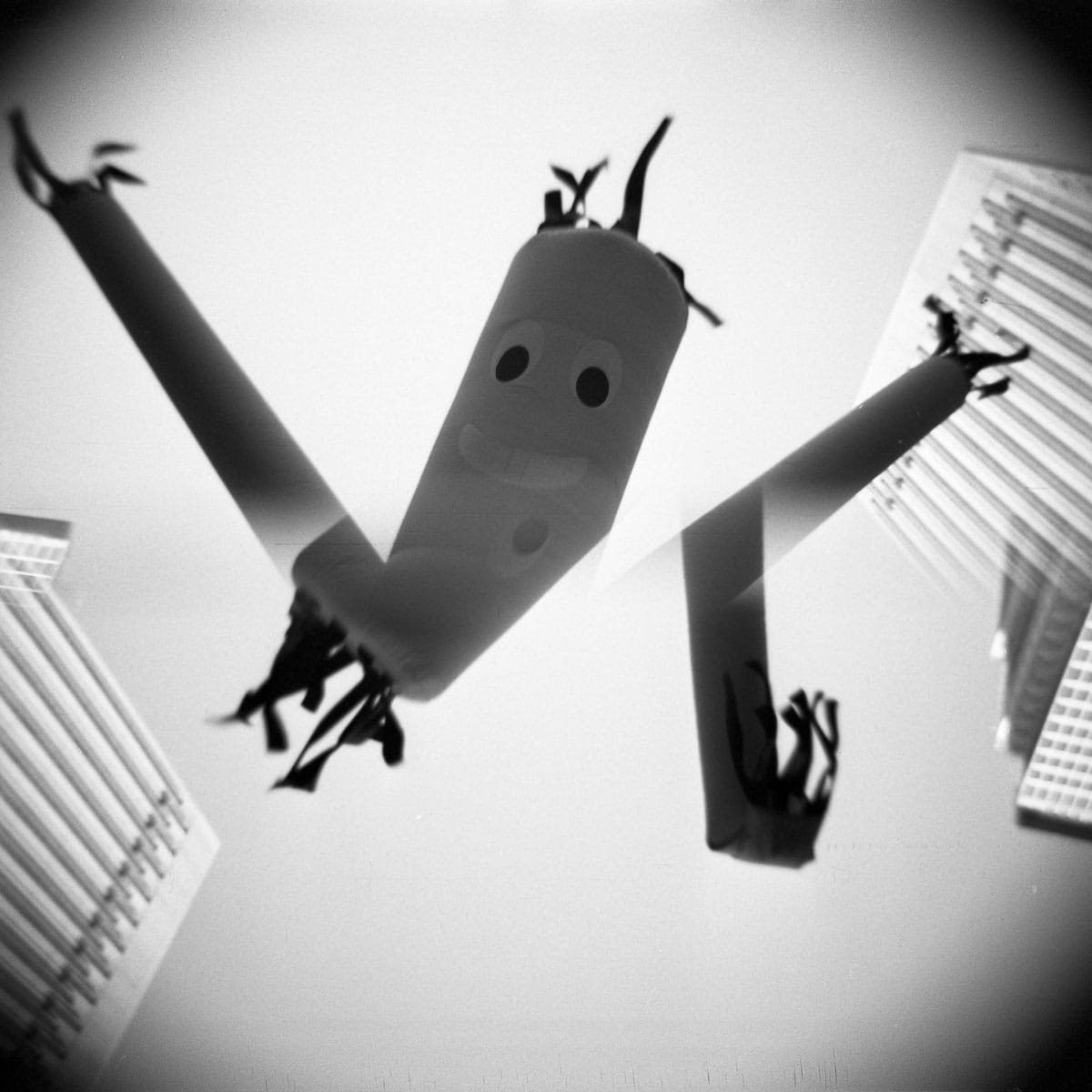
Whether black and white or C-41, we’re accustomed to dialing in a specific temperature for development. I’ve made myself crazy trying to get black & white chemistry at exactly 68/20 degrees – putting it in the fridge for a while to cool it or warming up cooler water in the microwave before mixing. But there is a better way.
How to Fix It:
Ilford has an incredible temperature conversion chart that provides times if your black and white chemistry is a few degrees colder or warmer than 68/20 – and it doesn’t have to be Ilford chemistry or film. I always keep a printed version with my developing materials.
You can also check the datasheet for your C-41 chemistry. Some brands, like Adox, give you times for other temperatures.
Conclusion
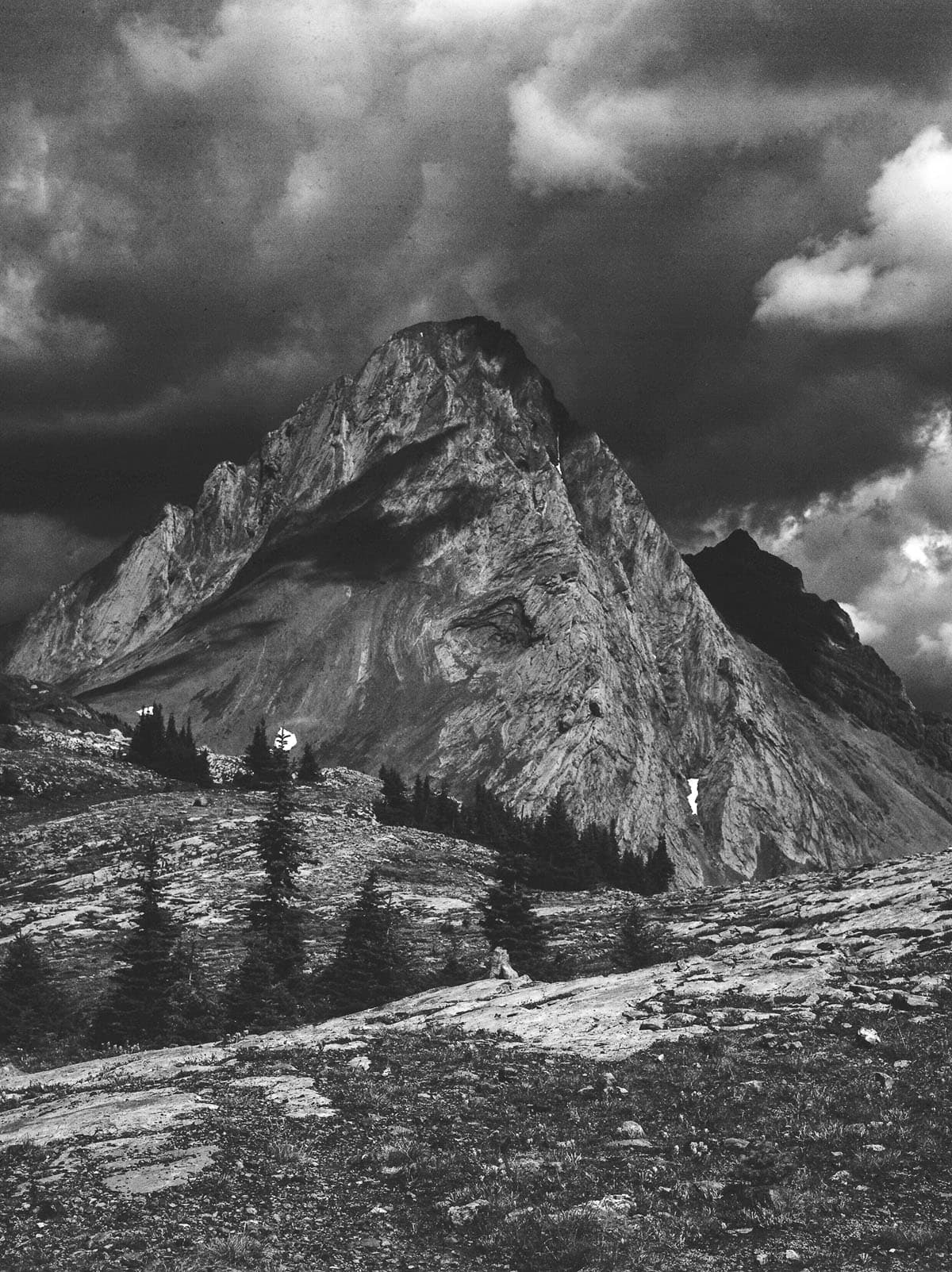
Recently, I shot a roll of JCH Street Pan 400 – a film I’ve used many times before – which is no longer made. The film was a few years expired, but I had cold stored it. The negatives came out very dark, and I’m not sure why. I gave the film more exposure, but guessing it needed more? Sometimes, we may not be able to conclusively diagnose the issue.
Part of the reason I wanted to write this article is to help others feel like they’re not the only ones making mistakes. I also wanted to remind myself that even with mistakes, we learn and grow.
I’d love to hear from all of you: what’s a mistake you made that you’ve never repeated? What mistakes have you made multiple times and what have you learned? Let’s share more – photographers new and seasoned can always use more perspective!
Thank you so much, Taylor! Taylor is a regular contributor here at Shoot It With Film, and you can check out her other articles here, such as Capturing Time: Review of the Zero Image Pinhole Camera and Phoenix vs. Ektachrome: Is Harman’s Color Film a Slide Film Alternative?.
You can also check out more of Taylor’s work on Instagram.
Leave your questions about any film photography issues you’ve experienced below in the comments!



Leave a Comment
Shoot It With Film on Instagram


Blog Comments
Curtis Heikkinen
October 23, 2026 at 10:00 am
Great article as usual, Taylor! My biggest errors in film have been with my old rangefinder Leicas, the M3 and IIIa. I was constantly leaving the lens cap on the lens. With the IIIa, I use an old collapsible Elmar lens. With the M3, I use a collapsible Summicron lens. A number of times I forgot to extend the lens with both cameras. If you don’t extend the lens, you get a circular blurry image. I ruined a number of shots by forgetting to extend the lens. Thankfully, I’ve pretty much gotten past those mistakes. I’m better at remembering to take the lens cap off and to extend a collapsible lens.
Richard
October 23, 2026 at 11:15 am
Great article!
1. I like to stick a piece of masking tape on the back of my camera and write the film ID on it. (TX-400, TM-100, etc.)
2. I’ve had troubles with my Signet 40 RF and the lens cover. My solution was to put some tape on the cover, extending out far enough to be visible in the viewfinder. Just need to remember to put the cover back on properly.
3. After loading a new film into my camera, I tighten the film in the canister with the rewind knob. This way, I can see the knob turning as the film is advanced.
Tale of woe: My wife once loaded her film, but it didn’t hold the take-up spool correctly. 😢 Twenty-six shots of NYC all in one! 😭. (That was also the day I dropped my polarizing filter on the street. The street won. Fortunately, we were in downtown Manhattan, close to Adorama.)
B Stanley
October 23, 2026 at 6:14 pm
That last image of the mountain on JCH Street Pan is a great one. What clouds!!!